Adobe 65048732 Ficha Técnica
Consulte online ou descarregue Ficha Técnica para Software gráfico Adobe 65048732. Adobe Photoshop Extended CS5 12, Mac, ES Manual do Utilizador
- Página / 16
- Índice
- MARCADORES

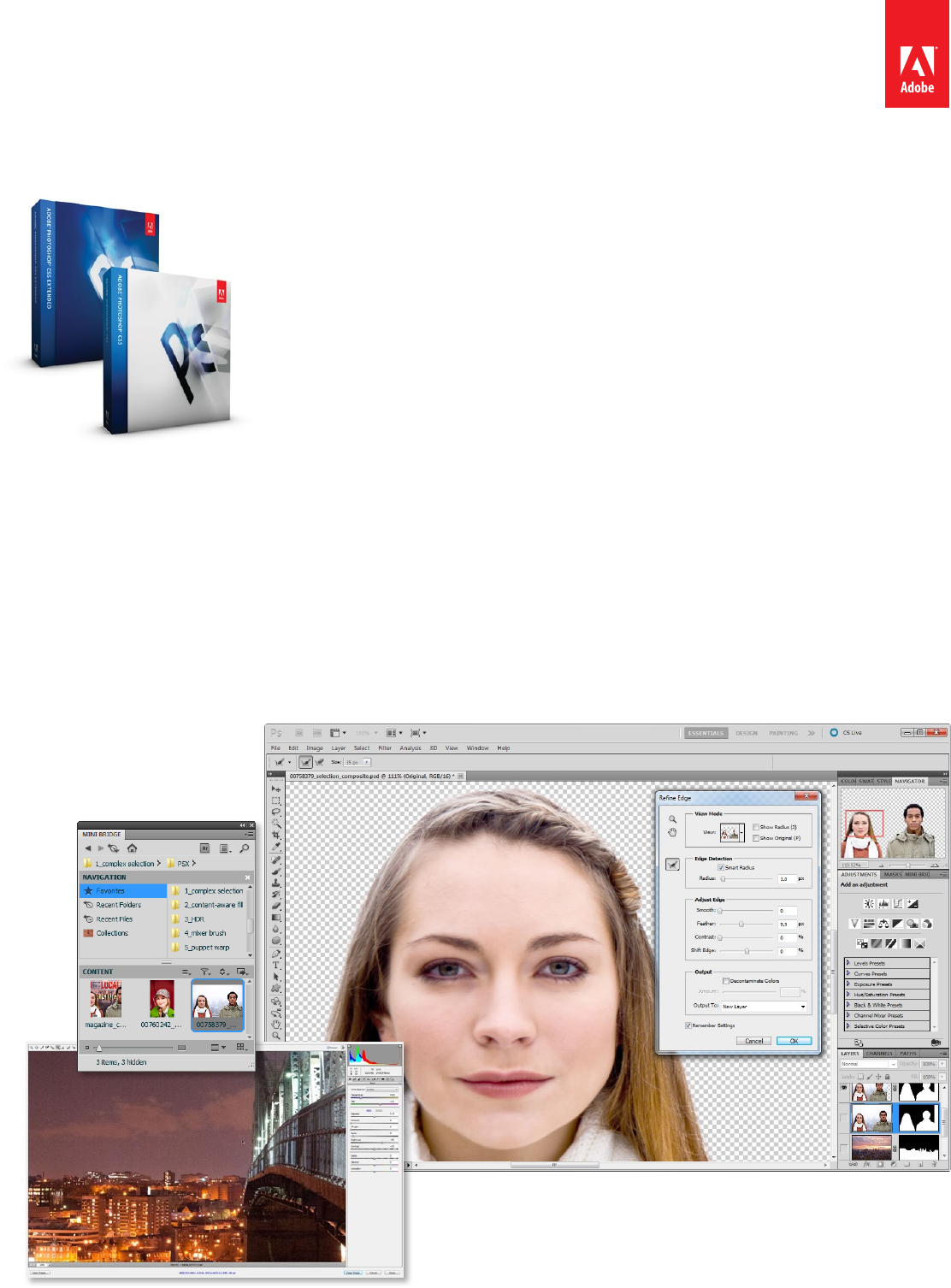
- Adobe® Photoshop® CS5 1
- Adobe Photoshop CS5 Extended 1
- Who uses Photoshop? 2
- Content‐Aware Fill 3
- Puppet Warp 7
- Automated lens correction 8
- Better 3D performance and 10
- Extended only) 10
- Faster performance with 12
- Easier interface 13
- Workspaces and 13
- Workspace Switcher 13
- Still using Photoshop CS3? 14
- System requirements 15
- Expected ship date 15
- For more information 15
- Adobe Systems Incorporated 16
- 345 Park Avenue 16
- San Jose, CA 95110-2704 16
Resumo do Conteúdo
Adobe Photoshop CS5 and Adobe Photoshop CS5 Extended What’s NewAdobe Photoshop CS5 Extended is also available as a component of:• Adobe Creative Suite
10Adobe Photoshop CS5 and Adobe Photoshop CS5 Extended What’s NewUse the 3D Material Drop tool and the Material Load tool to easily load a material an
11Adobe Photoshop CS5 and Adobe Photoshop CS5 Extended What’s Newwhile providing more immediate feedback and dramatically reducing the time it takes t
12Adobe Photoshop CS5 and Adobe Photoshop CS5 Extended What’s New• New creative resources, including actions, tools, presets, brushes, swatches, shap
13Adobe Photoshop CS5 and Adobe Photoshop CS5 Extended What’s NewTo help you tweak the performance of your setup, Photoshop CS5 lets you adjust histor
14Adobe Photoshop CS5 and Adobe Photoshop CS5 Extended What’s NewSuperior black-and-white conversionPhotoshop CS5 continues to support the tradition o
Adobe Systems Incorporated345 Park Avenue San Jose, CA 95110-2704 USA www.adobe.co m• Localized, nondestructive adjustments in Adobe Camera Raw appl
Adobe Systems Incorporated345 Park Avenue San Jose, CA 95110-2704 USA www.adobe.co mPhotoshop CS5 and Photoshop CS5 Extended new feature comparisonNe
2Adobe Photoshop CS5 and Adobe Photoshop CS5 Extended What’s NewTop features• Intelligent selection technology (Page 3)• Content‐Aware Fill (Page 4)•
3Adobe Photoshop CS5 and Adobe Photoshop CS5 Extended What’s NewVideo professionals, motion graphics designers, and VFX artists use Photoshop to help
4Adobe Photoshop CS5 and Adobe Photoshop CS5 Extended What’s NewYou can use Content-Aware Fill with the Spot Healing Brush or as an option of the Fill
5Adobe Photoshop CS5 and Adobe Photoshop CS5 Extended What’s NewWith new tone-mapping and alignment technologies, sophisticated controls, and an updat
6Adobe Photoshop CS5 and Adobe Photoshop CS5 Extended What’s NewYou can now shoot at higher ISO settings with confidence, because the updated controls
7Adobe Photoshop CS5 and Adobe Photoshop CS5 Extended What’s NewIn conjunction with these new mixing features, Photoshop CS5 incorporates unprecedente
8Adobe Photoshop CS5 and Adobe Photoshop CS5 Extended What’s NewAutomated lens correction The Lens Correction features in Photoshop CS5 create better
9Adobe Photoshop CS5 and Adobe Photoshop CS5 Extended What’s NewEasy 3D extrusions with Adobe Repoussé (Photoshop CS5 Extended only) Repoussé is an an
Manuais e produtos relacionados com Software gráfico Adobe 65048732
 (11 páginas)
(16 páginas)
(6 páginas)
(6 páginas)
(6 páginas)
(11 páginas)
(16 páginas)
(6 páginas)
(6 páginas)
(6 páginas)
© 2020, manymanuals-pt.com. Todos os direitos reservados. | 0.016 s |
 Manymanuals.com
 Manymanuals.de
 Manymanuals.fr
 Manymanuals.it
 Manymanuals.pl
 Manymanuals.cz
 Manymanuals.es
 Manymanuals-pt.com
Comentários a estes Manuais